SM Network uses the information needed to activate your license, operate VPN access, diagnose connection issues, process subscriptions, and provide support. We do not intentionally collect or store the websites you visit, message contents, files, contacts, photos, or precise GPS location.
Read full privacy policySM Network
Safer everyday internet access.
SM Network is available for Android, iPhone, Windows, and macOS with license activation, server selection, diagnostics, and support reference tracking.
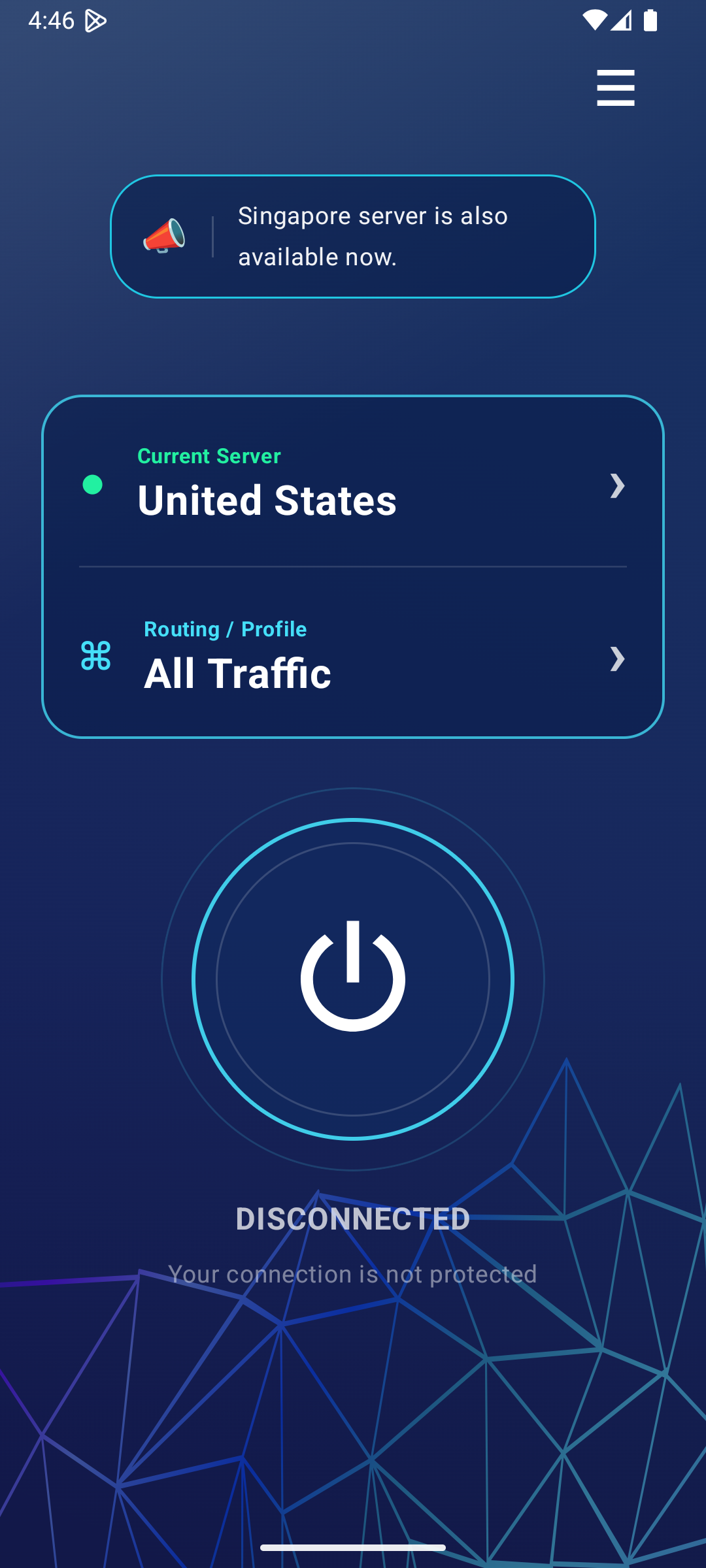
Downloads
Get SM Network
FAQ
Frequently asked questions
Connection is not working after activation
After activation or license extension, processing may take up to 5 minutes. Reconnect the VPN after a few minutes if it does not work immediately.
What happens if no tunnel apps are selected?
If no apps are selected in a custom profile on Android, all app traffic is protected by the VPN.
Why is my speed slower with VPN?
Speed can depend on device performance, mobile network quality, selected server, routing path, and the apps selected for tunneling.
How do subscriptions work?
Use the license screen in the app to activate, extend, or subscribe. If you recently activated or extended, allow up to 5 minutes for server access to update.
What is the support reference number?
It is a customer-facing reference shown in the app. Share it with support instead of your device ID.
Privacy
Plain-language privacy information
Support
Need help with activation or connection?
Include your in-app reference number when contacting support. It helps us find related diagnostics without asking for your device ID.